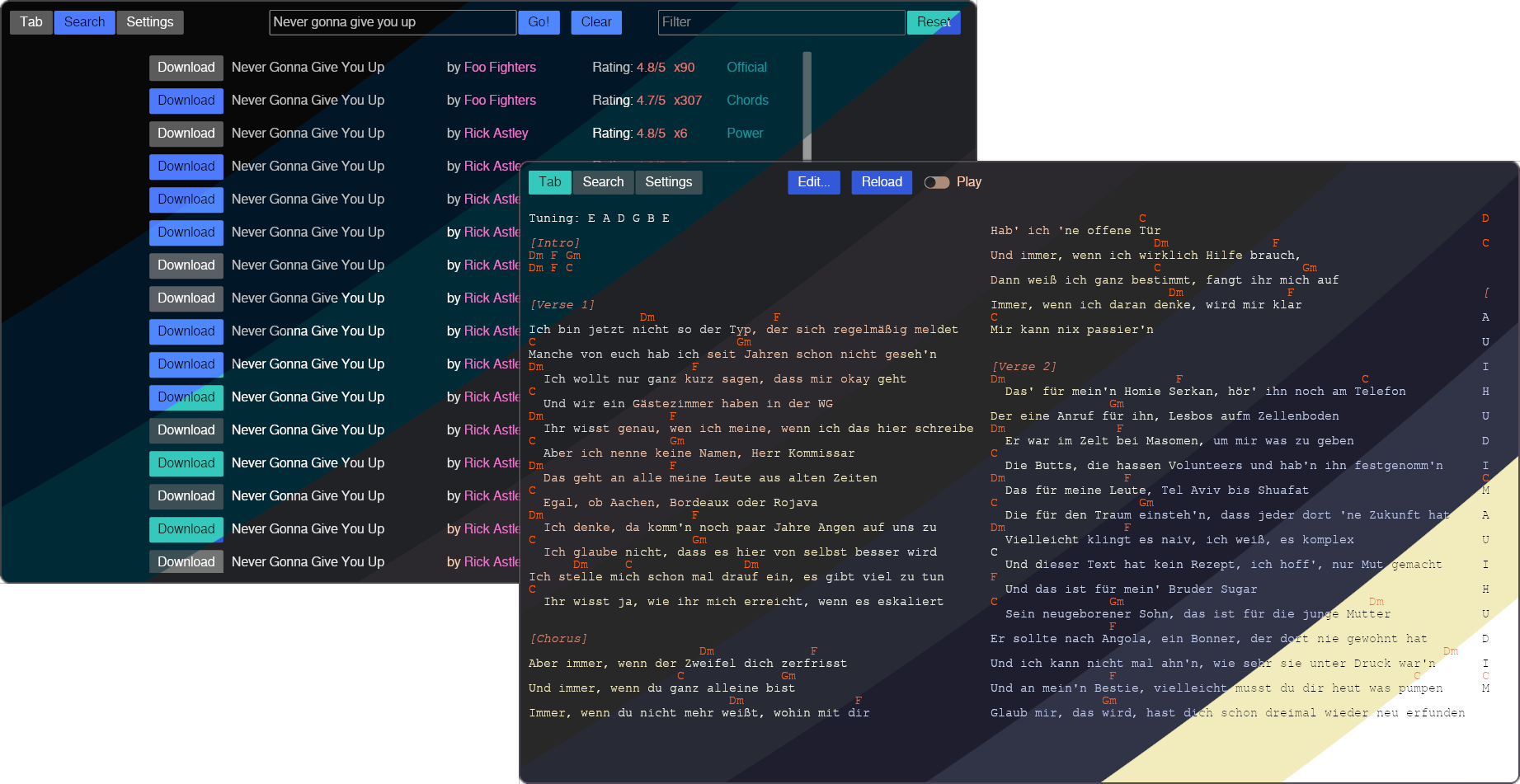
Easily find and download chords and tabs from Ultimate Guitar to sync them with any media player using MPRIS
With no ads and many customization options
Features
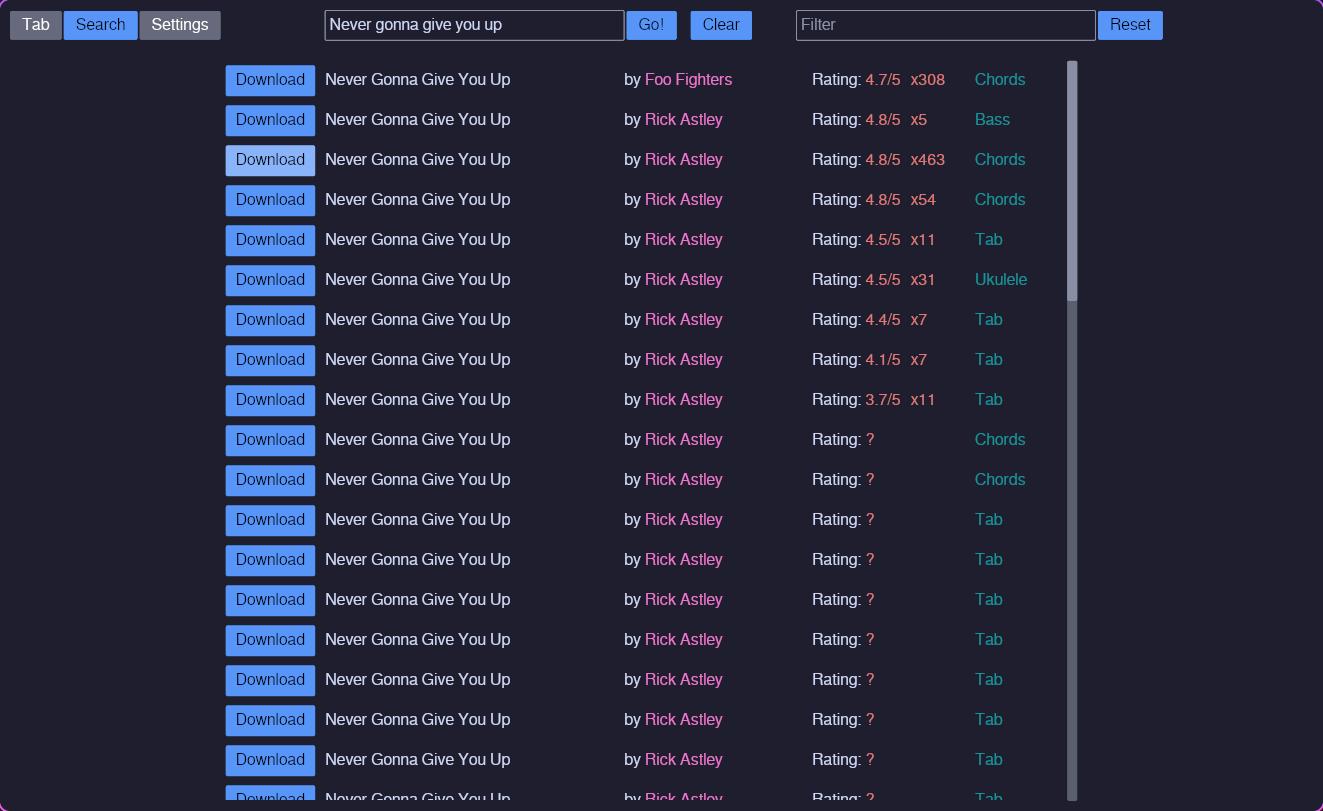
- Searching for tabs
- Downloading tabs
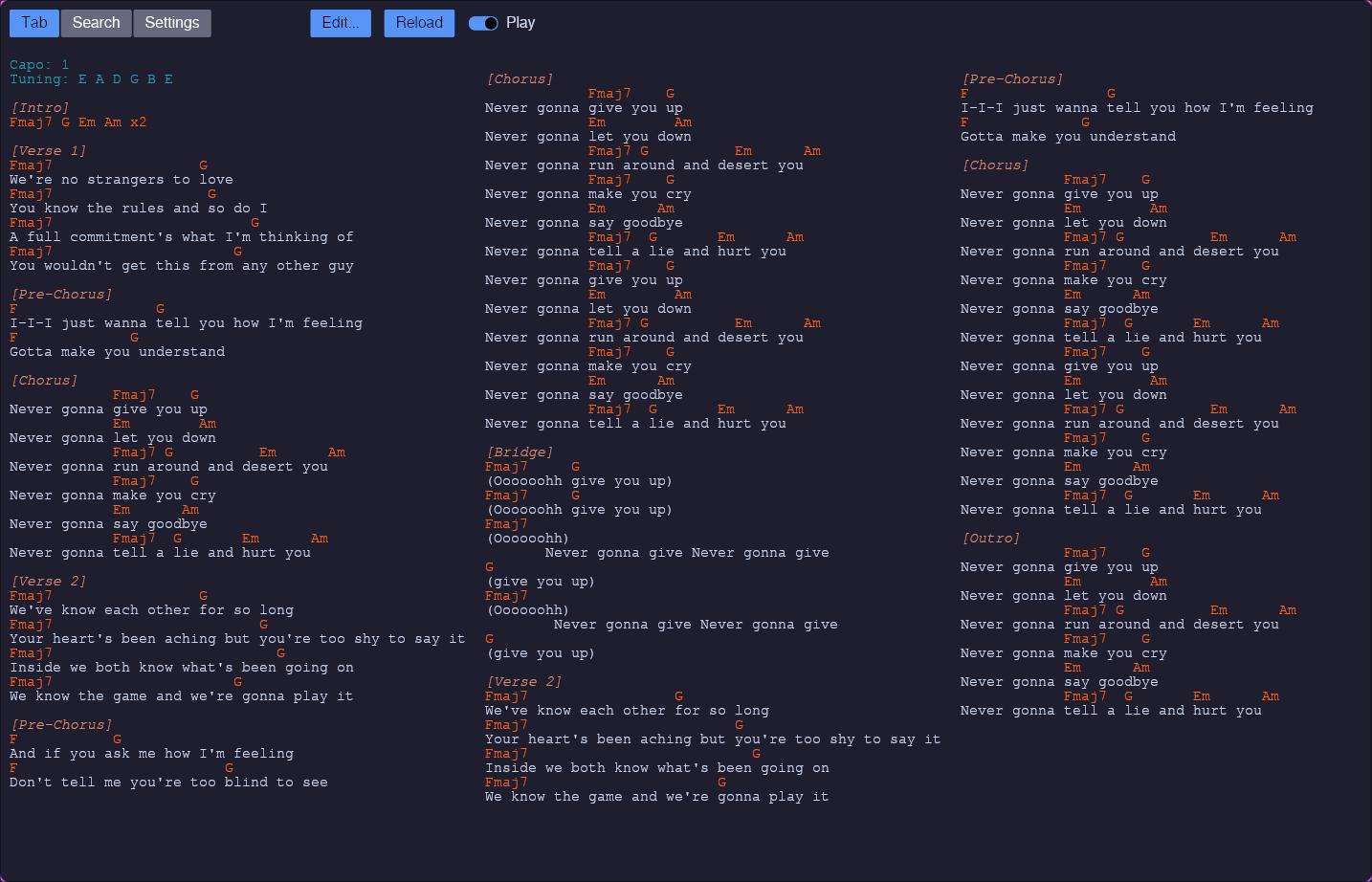
- Synching displayed tab with playing song from your media player
- Media player control via hotkeys
- Logging of played songs
- Statistics of played songs
- Remind you to renew your instrument's strings
Selection of media players other than Spotify is a very new feature and not tested well.
Please report any issues with specific media players immediately using an issue.
Please report any issues with specific media players immediately using an issue.
Installation & Support
The program can be installed via cargo or manually. For the manual installation, there is a .desktop file available to add an application menu shortcut.
If you don't want to use the pre-compiled binary, you can compile the project yourself by running cargo build --release in the cloned project directory.
If you don't want to use the pre-compiled binary, you can compile the project yourself by running cargo build --release in the cloned project directory.
Cargo installation
Run the following command to install Coral-Chords via Cargo:
cargo install Coral-Chords
You should be able to run Coral-Chords in your terminal now.
Manual installation with Application menu shortcut
- Download the binary and the .desktop file from the latest release and open a terminal in the same directory
-
Copy the binary file to ~/.local/bin/coral_chords and the desktop file to ~/.local/share/applications/coral-chords.desktop
cp Coral-Chords ~/.local/bin/coral_chordscp coral-chords.desktop ~/.local/share/applications/coral-chords.desktop
-
Make both files executable:
chmod +x ~/.local/share/applications/coral-chords.desktop ~/.local/bin/coral_chords
Now, you should be able to run the application from your system's application launcher.
Support & documentation
If you need help or want to suggest a change, please see the issues page.The code is widely commented with cargo-doc compatible comments for you to either read them as they are or to build the documentation using cargo doc --no-deps. A more general documentation and feature guide is available here.
Screenshots