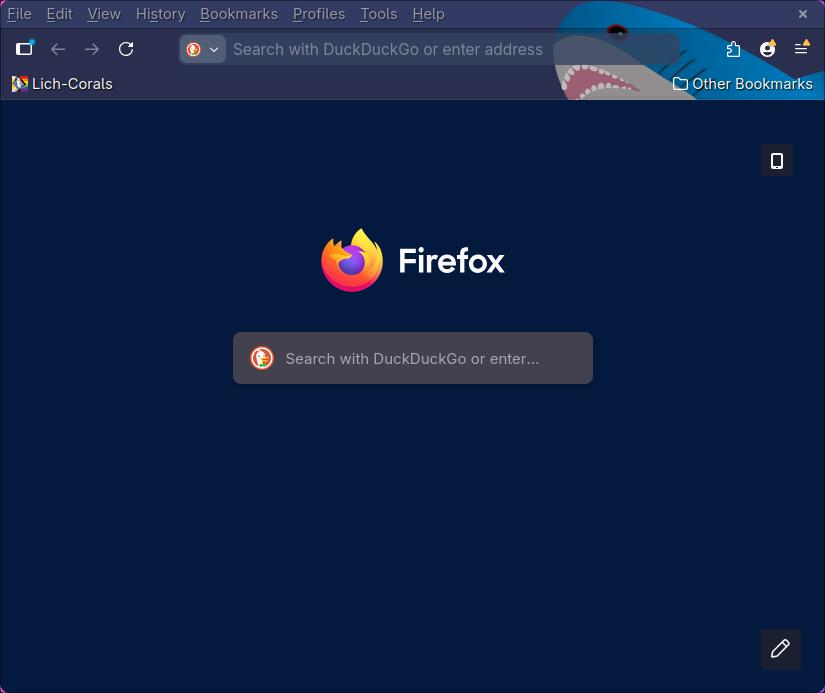
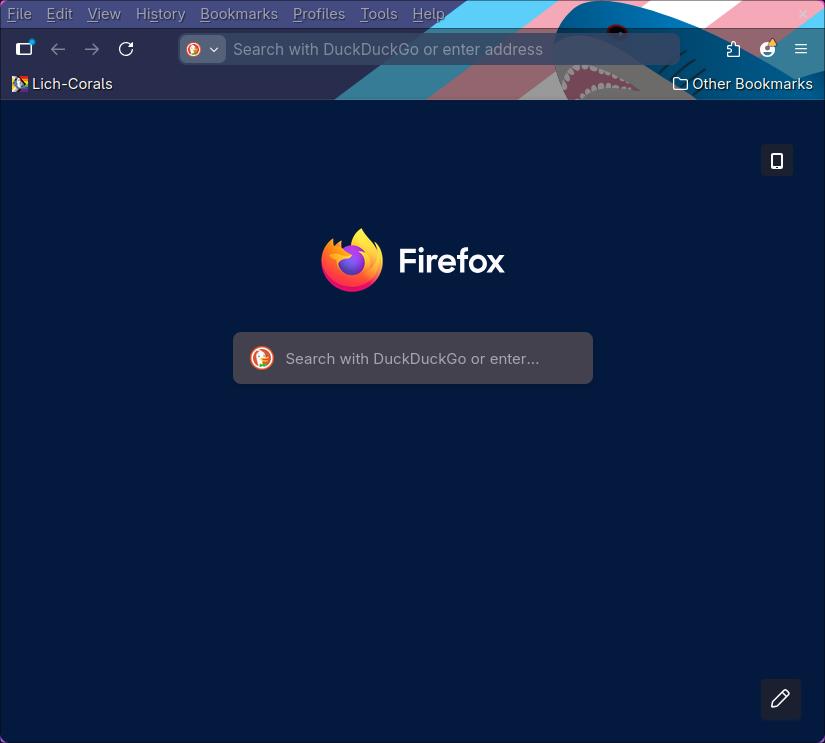
Blåhaj Browser Themes
A simple browser theme bringing Blåhaj to your web browser
Installation & Support
Note that installations should also work for mast Firefox-based and Chrome-based browsers and not just for Firefox and Chrome.Installation for Firefox
Visit Mozilla Add-ons, select the flavour you like the most and install the selected theme using the website.Installation for Chrome
- Download the zip package or zip the source code yourself
- Open your browser and go to chrome://extensions/ (normal extensions page)
- Enable developer settings in the upper right corner
- Drag-and-drop the zip package into the browser window
To install the theme for Chrome-based browsers, you have to enable developer mode. Thus, I can't guarantee that it works the same way for all browsers and Chrome versions. The extension isn't available on the Chrome Web Store because I don't want to pay Google for a registration as a developer.
The process described above works with Chromium version 142.0.7444.175 (Official Build) stable (64-bit) on a Linux operating system.
The process described above works with Chromium version 142.0.7444.175 (Official Build) stable (64-bit) on a Linux operating system.
Support
This project doesn't have a repository! If you have an issue or want to suggest a change, please submit an issue at the pages repository or send an e-mail to support@lich-corals.de.Screenshots